- Product update
- Privacy
- Encryption
How Shared Transaction Notes Work
Your notes, on every device that holds your wallet, and unreadable to everyone else, including us.
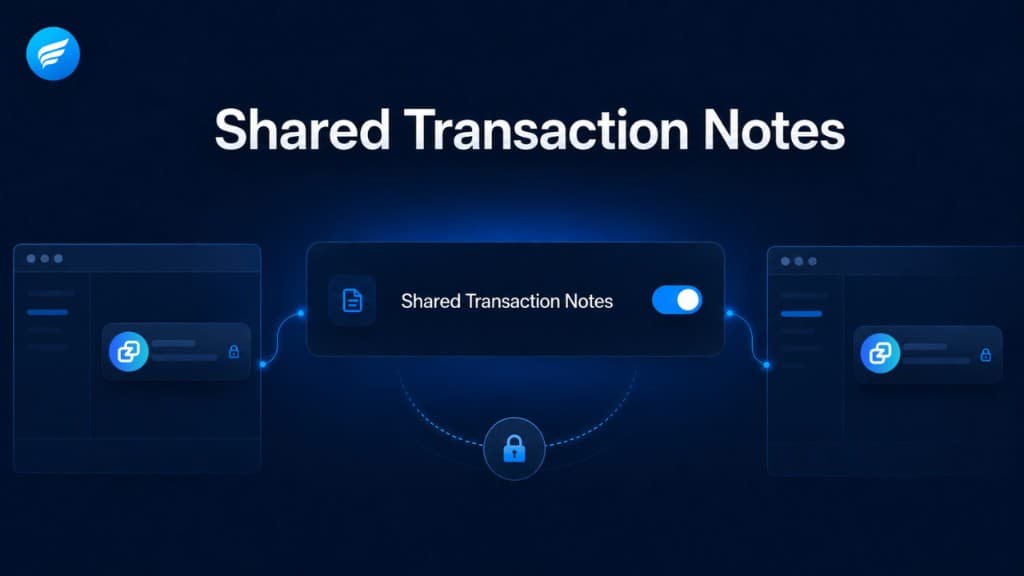
If you use Freedom Wallet on more than one device, or share a wallet with a business partner or family member, you've probably run into this: you label a transaction "Invoice #204, paid" on your laptop, and on the other device that transaction is just a bare hash. Notes have always lived only on the device where you wrote them.
Shared Transaction Notes fixes that. Turn it on, and the notes you attach to transactions sync automatically between everyone who holds that wallet. Same seed, same notes.
The short version#
- Off by default. Nothing changes unless you enable it, per wallet, in Settings → Plugins. Your notes stay local-only until then, exactly as before.
- End-to-end encrypted. Notes are encrypted on your device before they leave it. Our sync server stores sealed data it cannot open: not the note text, not who wrote it, not even which transaction or wallet it belongs to.
- No accounts, no sign-ups. Access to shared notes comes from one thing only: holding the wallet itself. If you can restore the wallet from its seed, your devices can encrypt and decrypt its notes. Nobody else can, including Freedom Wallet.
What it looks like in practice#
When you enable the feature you pick a display name, so co-holders can see who wrote what. From then on:
- Notes you add or edit appear on other devices within moments, labeled with your name.
- Notes from co-holders show up in your transaction history alongside your own, and you can search your history by their text just like your own notes.
- Deleting a note removes it for everyone. Turning the feature off stops syncing for that device and clears the shared notes it downloaded. Your own local notes stay put.
Everything happens quietly in the background. There's nothing to configure, refresh, or maintain.
What the server can and can't see#
Our server's only job is to pass sealed envelopes between your devices. It can see that some encrypted data of a certain size was stored at a certain time, and that's it. It can't read notes, link them to a wallet or address, or tell who the participants are. Even if the server were breached tomorrow, an attacker would gain a pile of ciphertext with no keys.
The keys never leave your device, are never written to disk, and are cleared from memory the moment you lock your wallet or quit the app.
One thing to understand#
Shared Transaction Notes follows the same trust model as the wallet itself: anyone who holds your seed holds your notes. That is the entire access control, which is exactly the point, but it means you should share your seed only with people you'd trust with the funds anyway. If that's already true, notes add no new exposure. Someone with your seed could always see your transactions; now they can also see the labels you chose to share.
If you'd rather keep your notes on one device only, simply leave the feature off. Nothing about the classic private notes has changed.